

Our advice
- The two spec columns only differ on processor, memory and graphics, so if your PC misses one of those three, that single part is where an upgrade matters most.
- With no official graphics preset to copy, we would rule out polling rate, drivers and overlays first, then lower visual options one at a time and test after each change.
ROB RUN System Requirements and Best Settings, step by step
-
Illustration, not the in-game view: ROB RUN needs a 64-bit Windows 10 PC or newer. Illustration by RobRunGame.app Check your PC against the minimum specs
Open Task Manager or System Information and compare three parts with the minimum column: an i5-6600K or Ryzen 5 1600, 12 GB of RAM, and a GTX 1050 Ti, RX 580 or Arc A380.
-
Illustration, not the in-game view: a very high mouse polling rate is the cause Kefir gives for FPS drops on mouse movement. Illustration by RobRunGame.app Lower your mouse polling rate if FPS drops when you turn
Open the app that came with your mouse and pick a lower polling rate. If turning still stutters, update the GPU driver, update the BIOS on 13th or 14th Gen Intel chips, and close overlays.
-
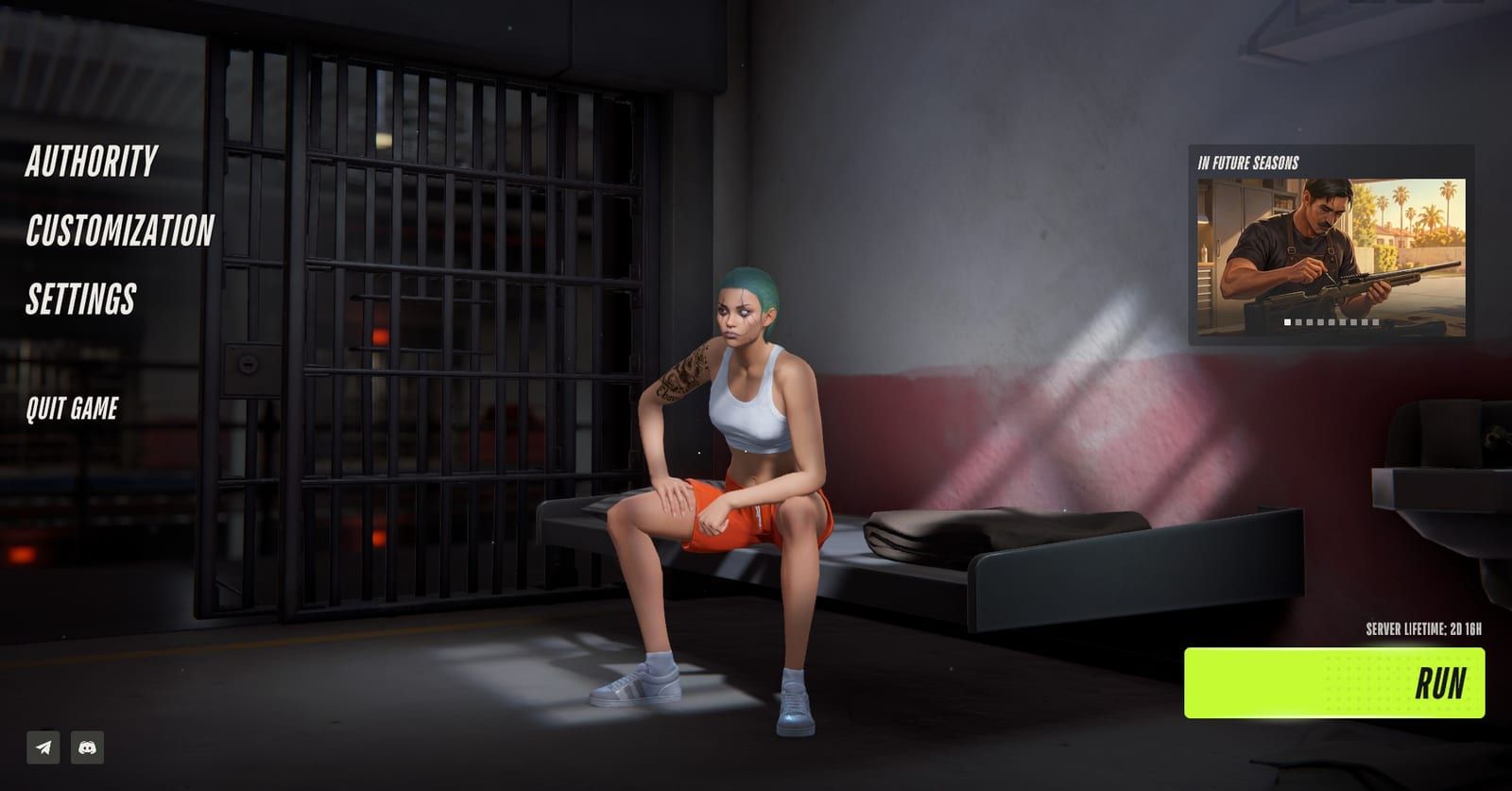
Settings sits in the main menu, between Customization and Quit Game. In-game screenshot from Steam Community / BooMBooBS Open Settings from the main menu
Pick Settings in the main menu to remap controls and reach the Other tab. Read every warning there before pressing Region, Surrender to Feds or Respawn at home location.
Where people get stuck
FPS only falls when you turn the camera
Treat it as a mouse problem first. Drop the polling rate in the mouse software, then update drivers and close overlays such as Discord or GeForce Experience before lowering graphics.
The game stops with E-0601 when you play from a remote or cloud PC
The game cannot find a keyboard and mouse in a remote session. Plug a physical keyboard and mouse into the PC before launch and play on that machine directly.
Pressing Surrender to Feds just to get unstuck
A single player guide warns this button costs all your money and property plus a prison sentence. Read the on-screen warning first and only press it if you accept that trade.
What are the ROB RUN system requirements?
ROB RUN is a free Windows game from Kefir (Kefir Games), and the Steam page lists two hardware tiers. As of November 10, 2026, they read like this:
| Part | Minimum | Recommended |
|---|---|---|
| OS | Windows 10 64-bit | Windows 10 64-bit |
| Processor | Intel Core i5-6600K or AMD Ryzen 5 1600 | Intel Core i5-9600K or AMD Ryzen 5 3600 |
| Memory | 12 GB RAM | 16 GB RAM |
| Graphics | GTX 1050 Ti, RX 580 or Arc A380 | RTX 2070, RX 5700 XT or Arc B570 |
| DirectX | Version 11 | Version 11 |
| Network | Broadband | Broadband |
| Storage | 20 GB | 20 GB |
Look at the middle of the table. Only the processor, memory and graphics rows change between the columns. Windows, DirectX, the connection and the 20 GB install are identical, so a PC that misses the minimum on one of those three parts is the one to fix. Check memory first: a machine with 8 GB falls short of the 12 GB floor outright.
The game is in Early Access, and Kefir describes the current build as playable but still in need of polish, with better performance and network stability on the list for the full release. Specs can move during that period, so treat the Steam store page as the final word before you download. For everything else about the game, start from our ROB RUN guide hub.
Will ROB RUN run on your PC?
Platform support is narrow. Steam carries one build, for 64-bit Windows 10 or newer, and nothing for other systems.
| Question | What Steam shows |
|---|---|
| Windows 10 or later, 64-bit | Supported |
| macOS or Linux | No version |
| Steam Deck | Compatibility listed as Unknown |
| Controller | No controller support listed |
Plan on keyboard and mouse. That matters for remote play too: the support center says error E-0601 means the game cannot detect a keyboard and mouse, and it tends to appear over Remote Desktop or cloud streaming. The fix is to connect a physical keyboard and mouse before launch and play at the PC itself, not through a remote session.
Hoping for a console or phone version? Kefir’s own game page links only to Steam and the official Discord. Our ROB RUN on PS5 page covers what that means for consoles and mobile.
Why does FPS drop when you move the mouse?
If the frame rate holds while you stand still and falls the moment you turn, your graphics card is probably not the problem. The support center says this pattern comes from a mouse that reports its position too often, meaning a very high polling rate. Work through the fixes in this order:
- Open the software that came with your mouse and choose a lower polling rate. Kefir does not name a target, so step down one level and test.
- Update your GPU driver.
- On 13th or 14th Gen Intel processors, update the motherboard BIOS as well.
- Close anything that draws on top of the game, Discord and GeForce Experience included.
The order matters. The first step is free, takes a minute, and targets the cause Kefir names. Driver and BIOS updates take longer, so save them for when the polling change does not help.
What are the best settings for ROB RUN?
There is no official answer yet. As of November 10, 2026, Kefir has not published a recommended graphics preset, and we found no player figures for individual graphics options that we could verify.
What is known about the menu:
| Setting | What we know |
|---|---|
| Where it is | Settings, in the main menu |
| Key bindings | Rebindable, two players report |
| Shoulder swap | Exists, one source only |
| Controller | No support listed on Steam |
A pair of player guides show that controls can be remapped from Settings, and one of them puts an action on a spare mouse button. A single player guide also points to an option that moves the camera over the other shoulder, which helps when you aim around the side of a wall. That guide does not give the default key, so look for it in the bindings list.
Remapping is a one-time job. Kefir’s FAQ lists settings among the things that carry over through the weekly Federal Raid wipe, along with cosmetics and your player name.
Our take: if the game stutters, run through the mouse and driver checks in the section above before you lower any visual option. Dropping graphics first can hide the real cause.
What to do if ROB RUN freezes or will not load
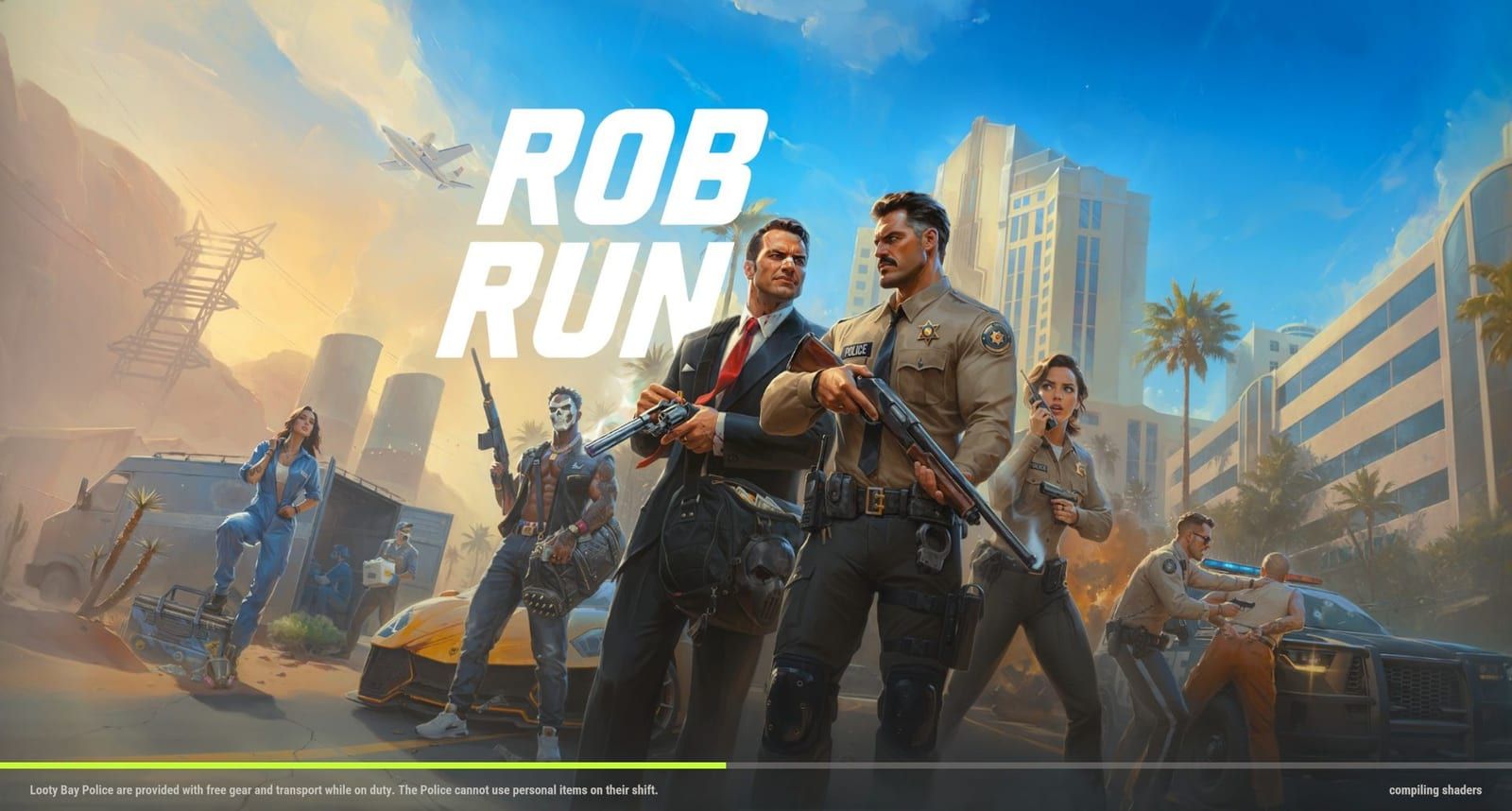
Loading problems have their own checklist, and Kefir’s help pages give this order:
- Confirm your internet connection works.
- Close and reopen both the game and Steam.
- Install the latest graphics driver.
- In your Steam library, open ROB RUN Properties, then Installed Files, and verify the game files.
The very first launch can sit on a compiling shaders screen before the menu appears, which is easy to mistake for a freeze. Our compiling shaders guide explains that wait.
If the game crashes instead of hanging, Kefir advises closing apps you are not using and restarting the PC. When crashes keep coming back, send support your PC specs, a short description of what happened, and the exact error text.
Which settings change your server or character?
The Other tab inside Settings holds a few buttons that do far more than change a display option. The details come from player sources, not Kefir, so read every prompt before you confirm.
| Option | What it does | Source |
|---|---|---|
| Region | Switches server region | One player guide |
| Surrender to Feds | Sends you to prison | Two player guides |
| Respawn at home location | Kills your character | One player guide |
Region
One player reports that Region sits near the bottom of the Other tab and only works while your character is in prison. Kefir says there are two regions, EU and East US, with more to come when possible. The same player moved from Europe to the North American server and saw a ping of around 80 to 100 without noticing an effect on fights. That is one connection, not a promise for yours.
Surrender to Feds
Two players report this button is in the Settings menu. The support center gives a second route: open the global map, select Prison, and surrender from there. Either way, a single player guide warns that it takes all your money and all your property and puts you in prison for a sentence. Read the warning on screen before you press it.
Respawn at home location
One player reports this option kills your character as a way out when you are stuck. Because it counts as a death, a Criminal in Looty Bay loses inventory under the official death rules.
For step-by-step server switching and joining a friend on another server, see our ROB RUN server guide.
ROB RUN System Requirements and Best Settings: FAQ
What are the ROB RUN system requirements?
Plan on 12 GB of memory and a card such as a GTX 1050 Ti, RX 580 or Arc A380; the processor floor is an i5-6600K or Ryzen 5 1600. On top of that, keep 20 GB of disk free and play on a 64-bit copy of Windows 10 or later, online.
How do I fix ROB RUN FPS dropping when I move the mouse?
The cause Kefir support gives is a mouse polling rate set too high. Bring that number down in the app that came with your mouse. If stutter remains, install a fresh graphics driver, a BIOS update on 13th or 14th Gen Intel systems, and close any overlays.
What are the best settings for ROB RUN?
No official graphics preset exists yet, and we found no verified player numbers for individual options. Fix polling rate and drivers first, remap keys to taste, then lower visuals one step at a time.
What are the recommended specs for ROB RUN?
For the recommended tier, Steam asks for an Intel Core i5-9600K or AMD Ryzen 5 3600, 16 GB RAM, and an RTX 2070, RX 5700 XT or Arc B570. The other rows do not change between the two columns.
Can you play ROB RUN on Mac, Linux or Steam Deck?
Only a 64-bit Windows 10 or newer build is on Steam, with no macOS or Linux version. Steam Deck compatibility is marked Unknown, so there is no verified handheld rating yet.
Does ROB RUN support a controller?
The Steam store data lists no controller support, so plan on keyboard and mouse. Key bindings can be changed in Settings, but that is not the same as gamepad support.
How do I change my ROB RUN server region?
A single player guide puts it under Settings, Other, near the bottom of the tab, and says it only works while your character is in prison. The official regions are EU and East US.