

Our advice
- We would not count on a gamepad yet. Two players say it fails, and the one reply claiming it works gives no method and was doubted in the same thread.
- Rebinding keys in Settings is the safer way to fix awkward controls. It changes the layout without removing the keyboard and mouse the game looks for at launch.
Does ROB RUN Have Controller Support? Step by step
-
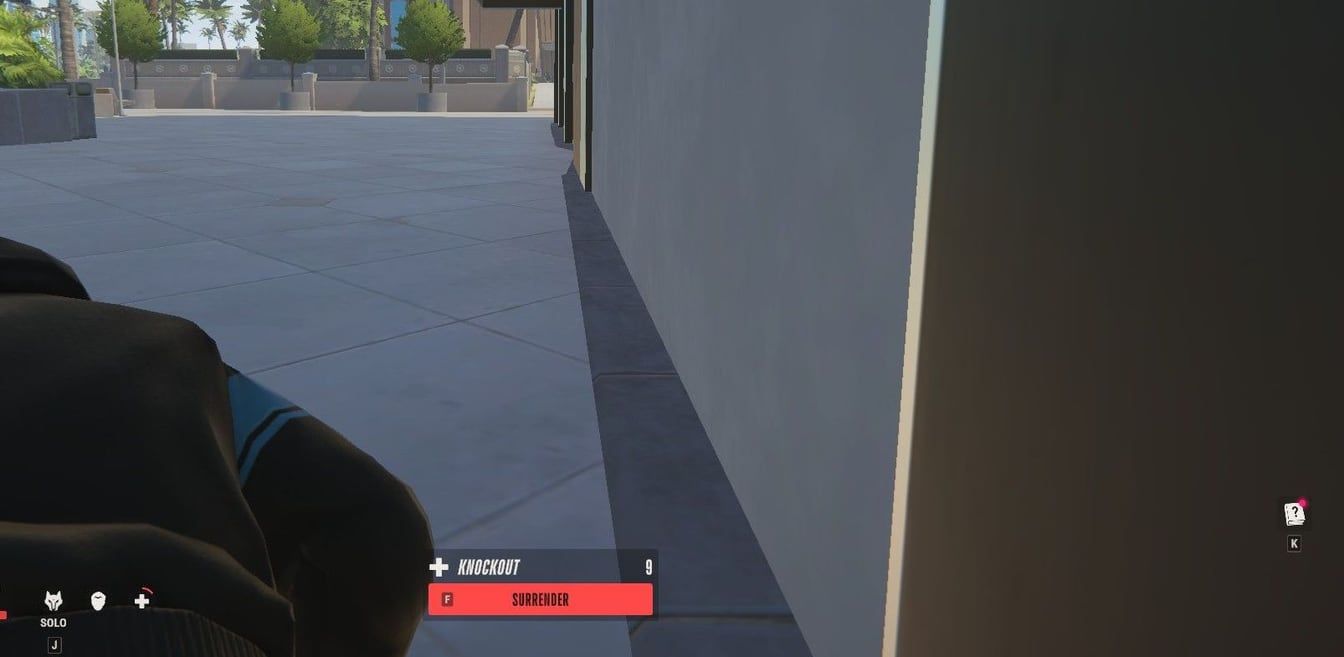
Every button prompt in the game is a keyboard key, like F to surrender here. In-game screenshot from Steam Community / projectpugz Plan on keyboard and mouse
Set the game up for a keyboard and mouse from day one. Steam shows no controller support, and the support center writes its own instructions in keys, such as Esc for the menu with your UID and H for the Shipments tab.
-
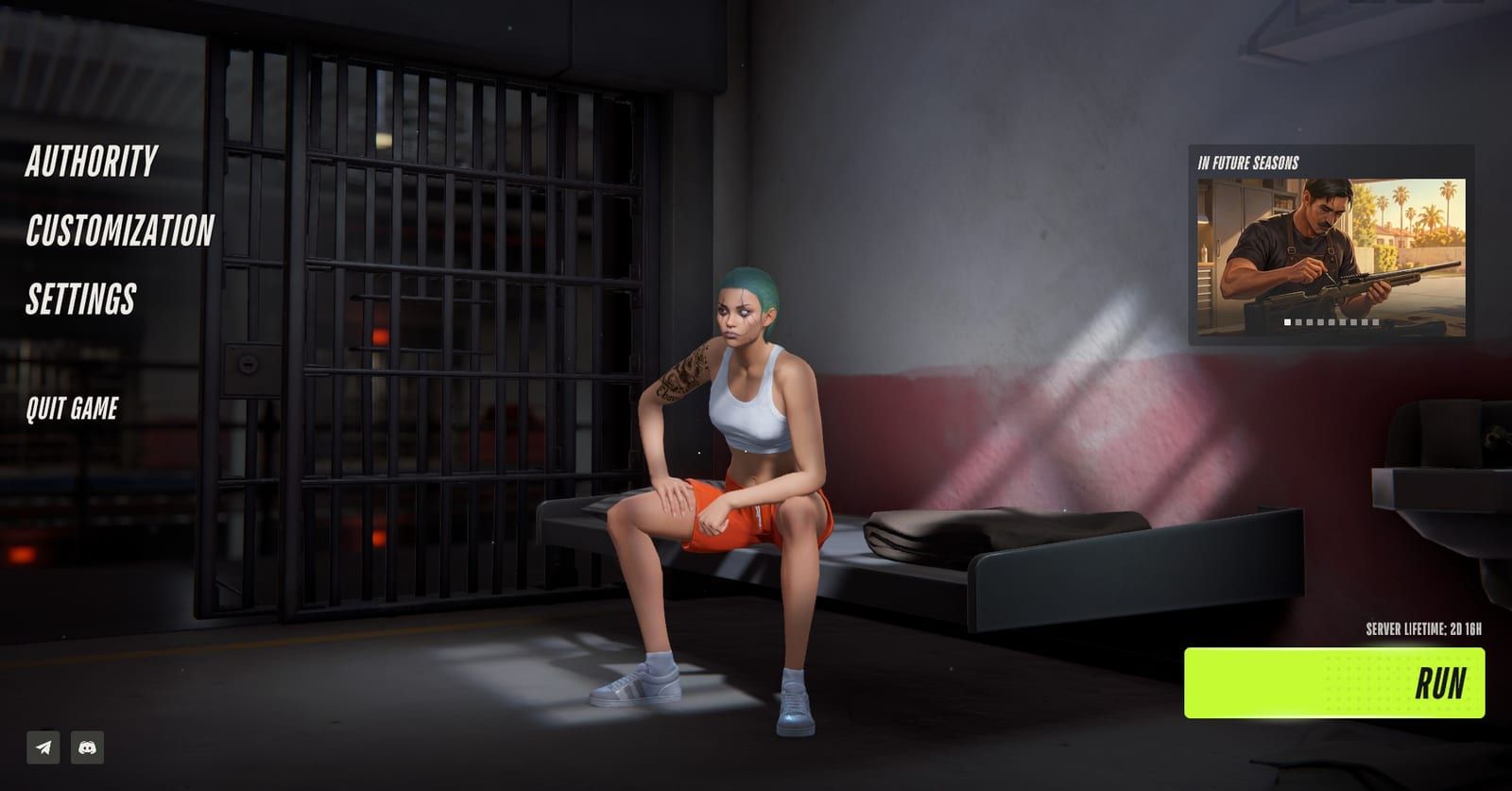
Settings, where the key bindings live, sits in the main menu. In-game screenshot from Steam Community / BooMBooBS Remap your keys in Settings
Open Settings and rebind any control that sits badly under your fingers. Two players say the bindings are there, and one of them moved an action onto a mouse button.
-
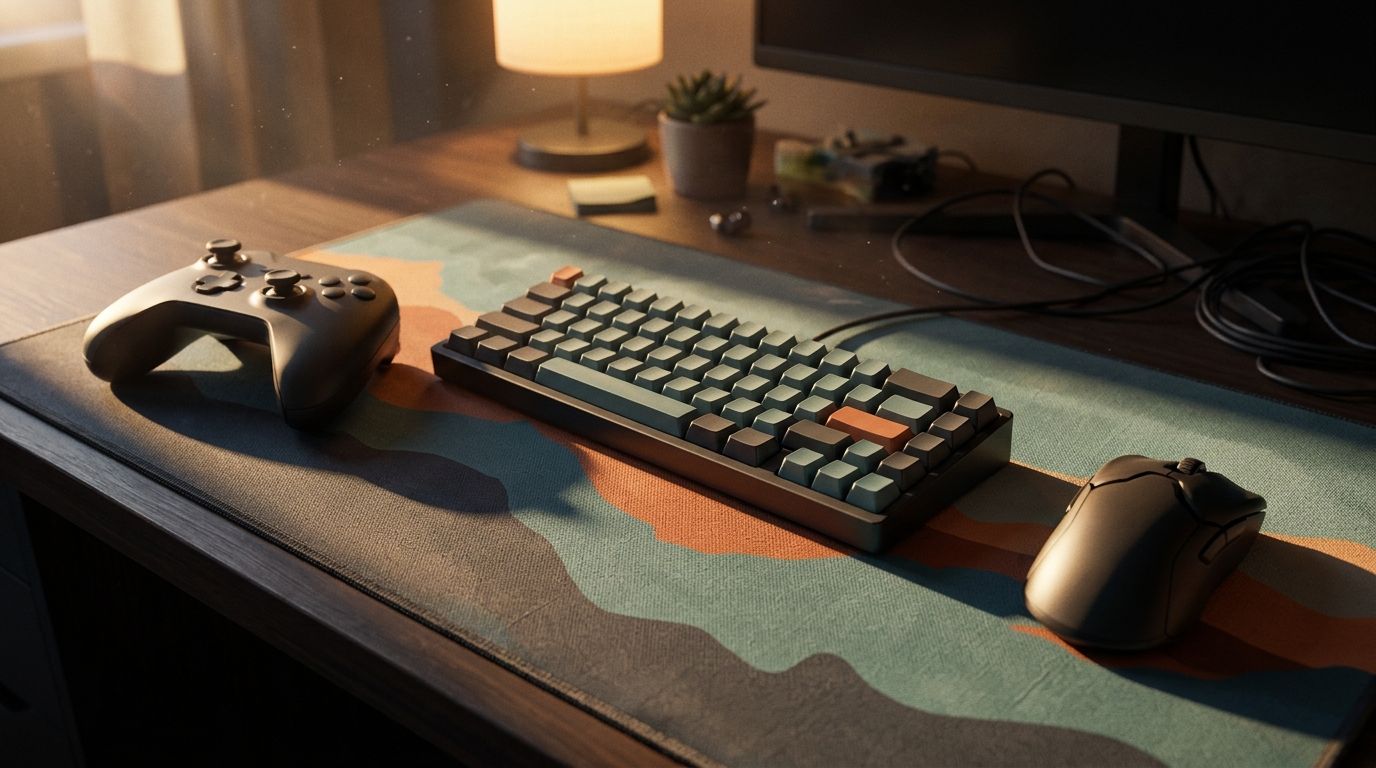
Illustration, not the in-game view: keep the keyboard and mouse connected even if you try a pad. Illustration by RobRunGame.app Keep a keyboard and mouse plugged in if you test a pad
If you experiment with a gamepad, connect the keyboard and mouse before launch and leave them in for the whole session. Error E-0601 is the code for neither being detected.
Where people get stuck
Launching with only a gamepad connected
The support center ties error E-0601 to a missing keyboard and mouse. Plug both in before you start the game, even if you plan to test a pad.
Streaming the game from another machine
Remote sessions and cloud streaming are where E-0601 shows up most. Play on the PC itself with a real keyboard and mouse attached to it.
Reading the key bindings in Settings as gamepad support
Those bindings cover keyboard and mouse. Steam store data shows no controller support, so do not buy a pad just for this game yet.
Does ROB RUN have controller support?
Not officially. ROB RUN, the free crime sandbox from Kefir (Kefir Games), is a keyboard and mouse game on paper, and nothing on its Steam listing points the other way. The store data for the game names no controller support of any kind, and the only build is for 64-bit Windows 10 or later. If you were hoping to play from the couch with a pad, plan for a desk instead. Our ROB RUN game overview covers the rest of what the game is about.
| Check | What it shows |
|---|---|
| Steam controller support field | Nothing listed |
| Platforms on Steam | 64-bit Windows 10 or later |
| Support center error E-0601 | No keyboard and mouse detected |
| Steam Deck rating | Unknown |
| Developer reply in Steam thread | None yet |
Kefir’s help center goes a step further than the store page. Its error code list, dated October 29, 2026, has a code reserved for a missing keyboard and mouse. That is a strong hint about what the game expects to find when it starts.
What do players say about using a pad?
Player reports split, and neither side gives enough detail to settle it. Two players report that a controller does not work. One post on X on November 8 puts controller support on a list of things the game is missing, and one reply in the Controller thread on the Steam forum says the poster still cannot get a pad going. Neither post explains what hardware or setup was tried.
On the other side, one player on the Steam forum says a controller can be used now. That reply names no method, no pad and no setting, and the very next reply in the thread doubts it.
| Claim | Where | Setup given |
|---|---|---|
| Pad does not work | X post, November 8 | None |
| Pad does not work | Steam forum reply | None |
| Pad works now | Steam forum reply | None, questioned next reply |
We are not picking a side. A claim with no steps cannot be repeated, so it tells you nothing about what to plug in or buy. Until someone posts a setup that other players can confirm, treat any gamepad as an experiment, not a way to play.
Can Steam Input or Big Picture help?
Possibly, but nobody in our sources has shown it. One forum reply has heard that a Steam Big Picture controller layout is the only way to use a pad in ROB RUN, but had not tried it. That makes it second-hand advice. No source describes a working layout or button map, so we are not publishing one.
Kefir has stayed out of the discussion so far. As of November 11, 2026, Kefir has not replied in the Steam Controller thread, so there is no word on whether a Big Picture layout should work or whether native support is planned.
If you still want to test Big Picture, keep the trial low-risk:
- Leave the keyboard and mouse connected for the whole session. The next sections explain why.
- Post what you find, with details. Kefir’s help center asks for ideas and feedback in the relevant thread of the official communities, and the current posts are thin on specifics.
How do you change keybinds in ROB RUN?
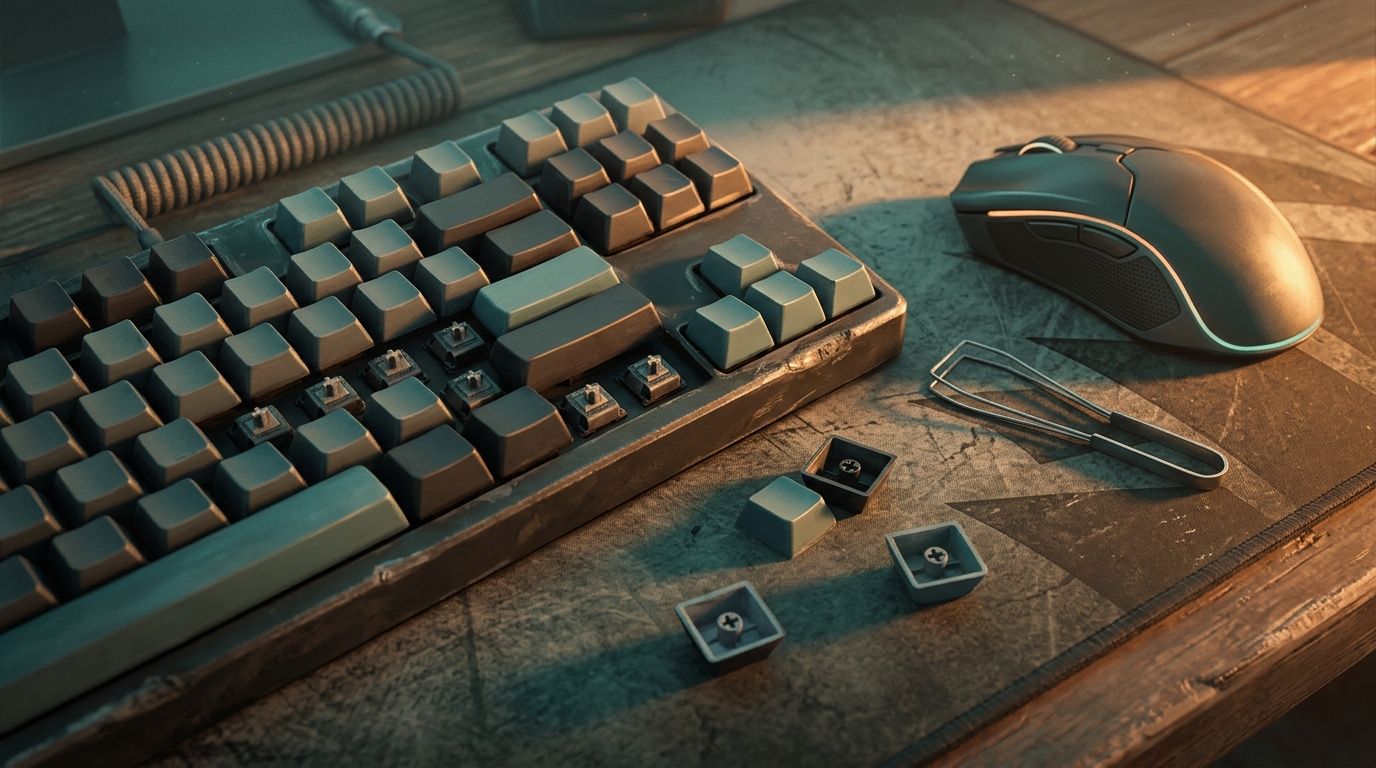
Rebinding is the supported way to make the controls fit your hands. Two players report that the controls can be reassigned in the Settings menu, and one of them moved an action onto a mouse button. Open Settings, find the bindings, and swap any key that feels awkward.
One caution about wording. One of those players calls this menu controller bindings. That label does not mean gamepad support, since Steam store data still shows none.
A few keys come straight from Kefir’s own help articles. They are worth knowing before you remap anything:
| Key | What it opens |
|---|---|
| Esc | Menu with your UID |
| H | Shipments tab |
Mouse feel matters as much as key layout. The help center links sharp FPS drops while moving the mouse to a very high polling rate. Its fix starts with turning that rate down in the mouse’s own software, then updating graphics drivers and switching off overlays.
Why keep a keyboard and mouse connected?
Because the game looks for them. Kefir’s help center says error E-0601 means no keyboard and mouse were detected, and that it tends to show up on Remote Desktop or cloud streaming. The way out: plug real devices into that same PC before the game starts, and skip remote sessions entirely.
Our take: even when you test a pad, keep both devices plugged in from launch to quit. Unplugging them to make room on the desk risks the same error, and you lose the only input the store data backs.
If E-0601 appears while both devices are connected, send it to support. Write to robrun.support@kefircyprus.com with a short account of the moments before it happened, plus a screenshot or a clip.
While you are checking hardware, compare the rest of your PC with our ROB RUN system requirements page. The minimum spec on Steam starts at 12 GB of RAM and a GTX 1050 Ti, RX 580 or Arc A380.
What about consoles and Steam Deck?
There is no console version to fall back on. ROB RUN ships only on Steam for 64-bit Windows 10 or later, with no macOS or Linux build. The Kefir game page links to just two places, Steam and the official Discord. Our page on ROB RUN for PS5 tracks the console question.
Steam Deck is a separate case. Steam shows the game’s Deck compatibility as Unknown, which means it is neither verified nor marked unsupported. The Deck’s built-in controls are a gamepad, and Steam lists no gamepad support for this game, so read our ROB RUN Steam Deck guide before you try it.
Kefir’s plans for the full version list more maps and modes, more items, progression and better performance. Controllers and consoles are not on that list. As of November 11, 2026, news comes through the official Discord, the official X account and the Steam page, and that is also where a controller request belongs.
Does ROB RUN Have Controller Support? FAQ
Does ROB RUN have controller support?
No, not as of November 11, 2026. The Steam store data shows no controller support, and the support center has an error code for a missing keyboard and mouse, so plan on using both.
Can you use a controller in ROB RUN with Steam Big Picture?
Unconfirmed. One Steam forum reply passed on word that a Big Picture controller layout is the only route, but had not tried it. Nobody has posted working steps, and Kefir has not answered that thread.
How do you change keybinds in ROB RUN?
Go to the Settings menu and use the key bindings there. Two players say the controls can be reassigned, and one put an action on a mouse button.
Does an Xbox or PlayStation controller work in ROB RUN?
No pad of any brand is listed. Steam store data lists no gamepad support at all, and none of the player posts we checked names a controller that works. Treat any pad as an untested experiment.
What does error E-0601 mean in ROB RUN?
The game could not find a keyboard and mouse. The support center says this often happens on Remote Desktop or cloud streaming, and the fix is to attach real devices to the PC itself before starting the game.
Is ROB RUN on PS5 or Xbox?
No. The only release is on Steam for 64-bit Windows 10 or later, with no console version announced. The Kefir game page links only to Steam and the official Discord.
Will Kefir add controller support to ROB RUN?
Kefir has not said. The full-version plans on the Steam page do not mention controllers, and the Steam Controller thread had no developer reply when we checked. Watch Discord, X and the Steam page for news.