
Our advice
- Change one setting at a time and judge it in a crowded spot such as Lenny's, not on an empty desert road. The drops players describe tend to show up where other players gather, so a quiet test hides them.
- Read the FPS percentages below as rough pointers, not promises. Each comes from a single PC, and Early Access patches can change what any slider costs from one week to the next.
ROB RUN Best Settings for FPS and Stutter, step by step
-
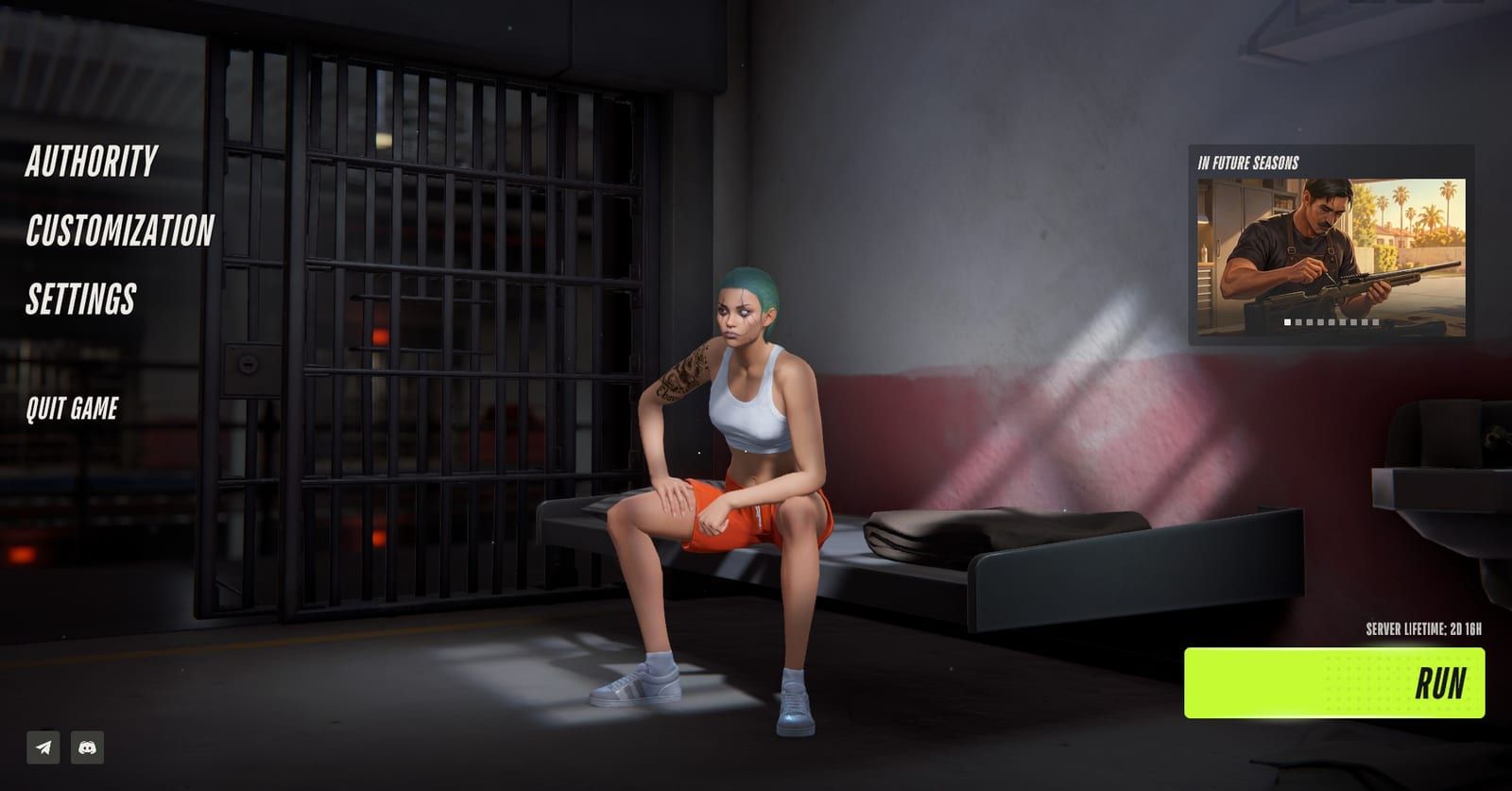
Settings sits on the main menu, under Customization. In-game screenshot from Steam Community / BooMBooBS Open Settings from the main menu
Settings is on the main menu, just below Customization. Whatever you choose there survives the weekly Federal Raid wipe, so you only have to build this setup once.
-
Illustration, not the in-game view: most of the work is a handful of sliders and toggles. Illustration by RobRunGame.app Set the display options and a frame cap
Choose full screen at your monitor's native resolution and leave render resolution at 1.0. Then cap the frame rate at your refresh rate, or at a figure your PC can hold, such as 60, 90 or 120.
-
Illustration, not the in-game view: a very high mouse polling rate is the stutter cause Kefir names. Illustration by RobRunGame.app Fix stutter at the mouse before the graphics
Open the software that came with your mouse and bring the polling rate down from 4K or 8K to 1000Hz; a few people go to 500. Kefir also advises updating GPU drivers and closing overlays.
Where people get stuck
Object visibility distance changes nothing
A creator who runs this slider at maximum says the game needs a full restart before the change takes effect. Restart, then compare FPS in the same spot.
Drops remain after lowering every slider
Start with the mouse and any overlays before you touch graphics. Several players found that low graphics alone did not stop the drops, and some Early Access issues may not respond to settings at all.
Hunting for DLSS or FSR in the menu
The game has no upscaler toggle. Use the scaling options in your NVIDIA or AMD driver software instead, or drop render resolution to 0.9 if the graphics card is the limit.
What are the best settings for ROB RUN?
The best ROB RUN settings are full screen, a frame cap, motion blur and depth of field off, low shadows and a 1000Hz mouse polling rate. No preset suits every PC, but the guides published since launch agree on this much as of November 11, 2026:
- Full screen at native resolution, render resolution 1.0.
- A frame cap at your refresh rate, or a number your PC holds.
- Motion blur, depth of field, LOD crossfade, additional lights and window blur off.
- Shadows low or off, post-processing a step down or more.
- A 1000Hz mouse polling rate if the image hitches when you turn.
Kefir (Kefir Games) backs that last point directly: its support center ties sudden FPS drops during mouse movement to a very high polling rate.
Which display settings should you use?
Creators agree on all of these except VSync.
| Setting | What creators set | Why | Sources |
|---|---|---|---|
| Display mode | Full screen | Not stated | 4 creators |
| Screen resolution | Native; 1920x1080 on weak PCs | Matches your monitor | 3 creators |
| Render resolution | 1.0; 0.9 if GPU struggles | Not stated | 3 creators |
| Frame rate limit | Refresh rate, or steady 60/90/120 | A rate your PC holds | 3 creators |
| VSync | Creators split | Off avoids input lag | 3 creators |
| Interface window blur | Off | Not stated | 2 creators |
On VSync, two creators keep the in-game toggle off and blame it for input lag. A third turns it off, sets the frame cap to the monitor’s refresh rate, and then turns it back on. One of the first pair, on a G-Sync screen, enables vertical sync inside the NVIDIA software instead of the game.
Which graphics settings cost the most FPS?
Each percentage was measured on one PC, so treat it as a rough guide.
| Setting | What creators set | Why | Sources |
|---|---|---|---|
| Shadows | Disabled, minimum or low | Light shadows off: about 12% | 4 creators |
| Additional lights | Off | Saves FPS | 3 creators |
| Motion blur, depth of field | Off | Clearer picture in fights | 3 creators |
| LOD crossfade | Off | Smooth transitions cost FPS | 3 creators |
| Level of detail | 1.0, or 0.8 if short | Biggest gain for one | 3 creators |
| HBAO | Off on low-end, on mid-range | Adds shadow depth | 2 creators |
| Post-processing | Creators split | About 8% with all off | 4 creators |
| Anti-aliasing | Creators split | About 6% when off | 3 creators |
| Texture quality | Creators split | Depends on VRAM | 4 creators |
| Object visibility distance | Creators split | 3 to 4% per step | 3 creators |
| Water and grass quality | Creators split | About 8% at lowest | 4 creators |
| Grass draw distance | Creators split | Steadier FPS when low | 3 creators |
Where the guides part ways:
- Post-processing. One switches every option off; another does so only on weaker hardware. A third calls it CPU-side and fine to keep if your processor copes, and a fourth suggests medium or high.
- Anti-aliasing. Two turn it off, one saying the image looks blurry with it on. The third keeps it but steps down from 4x to a lighter mode such as 2x.
- Textures. Two keep high when the card has the video memory, and one puts that at two or three GB. The other two run low and medium.
- Object visibility distance. Two pick high over maximum, and one of them drops to medium when short on frames. The third runs maximum or Render All and calls it the only setting that matters.
- Water and grass. Three go to the lowest option. The fourth keeps water high on mid-range PCs, low on weaker ones, with grass at medium or low.
- Grass draw distance. Two set it low: one says that steadies FPS, the other that bushes still render far out, so cover still hides you. The third starts at medium and drops to low in heavy vegetation.
Still short? One guide lowers shadows, HBAO, additional lights and grass before textures or render resolution, testing in busy spots with other players around.
How do you fix stutter in ROB RUN?
Look at your mouse before your graphics card. The support center’s answer for FPS that collapses while the mouse moves is to lower its polling rate in the mouse’s own app, then update GPU drivers and switch off overlays. Players report the same cure: dropping from 4K or 8K to 1k, with a few going down to 500.
It is not a universal fix. In one forum thread about micro-stutter when turning, people said a lower polling rate changed nothing, and one saw random drops into single-digit FPS. The driver and Windows changes below are the next things to try.
Does ROB RUN have DLSS or FSR?
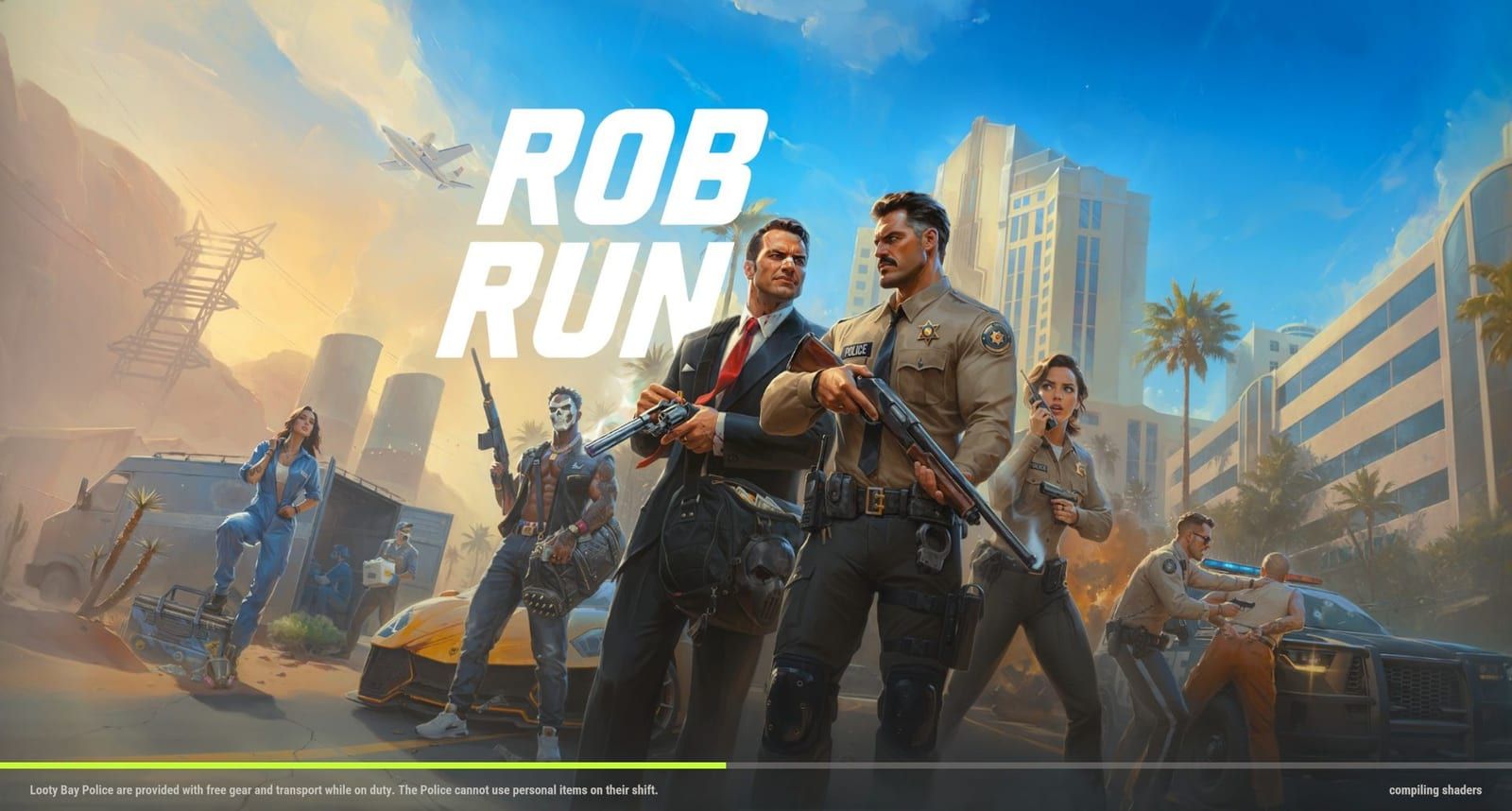
No. Neither upscaler appears in the game’s options, which two sources confirm. One creator works around that at the driver level: NVIDIA super resolution with preset K on RTX 2000 and 3000 cards, or FSR upscaling and frame generation inside AMD’s Radeon software. NVIDIA Reflex is less clear. One player lists Reflex ON plus Boost in a personal setup, while another asks Kefir to add Reflex.
Driver and Windows changes that two creators use:
- Windows Game Mode on.
- Hardware-accelerated GPU scheduling on.
- NVIDIA Low Latency Mode on, with one choosing Ultra.
- Windows capture off, which one of them says causes stutter.
One of the two also raises the NVIDIA shader cache to 10 GB or 100 GB, saying recompiling shaders can lead to errors and corruption. Our guide to the compiling shaders screen covers that loading step.
Is ROB RUN CPU bound?
Players disagree. One forum player calls the game CPU bound. Their PC pairs an Ultra 7 155H with an RTX 3050 and averages 80 to 100 FPS at the lowest settings, with about 10ms of CPU wait against 2ms on the GPU side. A reply in the same thread reports a constant 240 FPS, capped with RTSS, that peaks near 400 and rarely dips under 220, without naming the CPU or GPU.
A quick check: if lower graphics barely move your frame rate, the processor is the likelier limit. Compare your parts with our ROB RUN system requirements guide.
How much FPS do players get?
Each row is one person’s result on one machine.
| PC and settings | Where | FPS | Sources |
|---|---|---|---|
| RTX 4080, i7 13900K, 4K ultra | Most areas | About 130 | 1 forum player |
| Same PC | Lenny’s | About 110 | 1 forum player |
| Not stated | City vs. elsewhere | 90s vs. steady 144 | 1 forum player |
| Ultra 7 155H, RTX 3050, lowest | Average | 80 to 100 | 1 forum player |
The pattern is the drop in crowded areas, not the headline number. Lower settings do not always close that gap: players in two forum threads say drops stayed after they turned graphics down, and one creator warns some Early Access problems will not go away through the menu. Handheld and Apple players have separate limits, covered in our Steam Deck guide and our guide to playing on Mac.
Which non-graphics settings help in a fight?
A single settings guide flags two options that cost no frames. The sound effect visualizer shows audio cues such as alarms, cars and sirens on screen, and that guide rates it the most important setting. The vehicle center-of-screen marker turns red when aimed at a criminal’s car and stays white on a civilian’s.
ROB RUN Best Settings for FPS and Stutter: FAQ
What are the best settings for ROB RUN?
Full screen at native resolution, render resolution 1.0 and a frame cap you can hold. Turn off motion blur, depth of field, LOD crossfade and additional lights, run shadows low, and set your mouse to 1000Hz polling if the game stutters.
How do you fix stutter in ROB RUN?
Lower the mouse polling rate to 1000Hz or even 500 in the mouse app. The support center blames very high polling rates for FPS drops while moving the mouse, and also suggests new GPU drivers and no overlays.
Does ROB RUN have DLSS?
No. The game offers neither DLSS nor FSR. One creator uses super resolution from the NVIDIA driver or FSR upscaling and frame generation from AMD Radeon software instead.
Do ROB RUN settings reset after the wipe?
No. Kefir lists settings among what carries over through the Federal Raid wipe, together with cosmetics, player name, tutorial progress and accumulated jail time.
Should you turn VSync on in ROB RUN?
Creators disagree. Two switch in-game VSync off because of input lag. A third turns it off, caps FPS at the refresh rate, then turns it back on. With G-Sync, one enables it in NVIDIA software rather than in the game.
Which setting gives the most FPS in ROB RUN?
On one creator's PC, turning off additional light shadows was worth about 12%, the largest figure quoted. Another creator says dropping level of detail to 0.8 helps more than any other setting.
Why does FPS drop in the city in ROB RUN?
Crowded spots cost frames. In one forum thread, a 4K ultra PC fell from 130 to about 110 at Lenny's, and another player slid from a steady 144 into the 90s in the city.